Bitfocus AS
logo
logo
Bitfocus AS
logo
logo
Sign upSign in

Loading...

Bitfocus

Subscribe to our newsletter

The latest news, articles, and resources, sent to your inbox.

FacebookInstagramGitHubYouTubeLinkedIn

Products

  • Buttons
  • Companion

Integrations

  • Supported Devices
  • Developer Community
  • Connection Development

Support

  • Support Overview
  • Documentation
  • Video Tutorials
  • Community Forum

Sales

  • Resellers & Integrators
  • Buttons Pricing

Updates

  • Case Studies
  • Events & Trade Shows
  • Press Releases
  • Product Updates
  • Webinars

Legal

  • Legal Overview
  • Privacy Policy
  • Buttons EULA
  • Terms & Cookie Policy

Company

  • About us
  • Press kit
  • Careers

© 2026 Bitfocus AS. All rights reserved.

Quick Links

Buttons

Pricing

Supported Connections

Documentation

Tags

UIOrganizationContextualNested Controls

Latest News

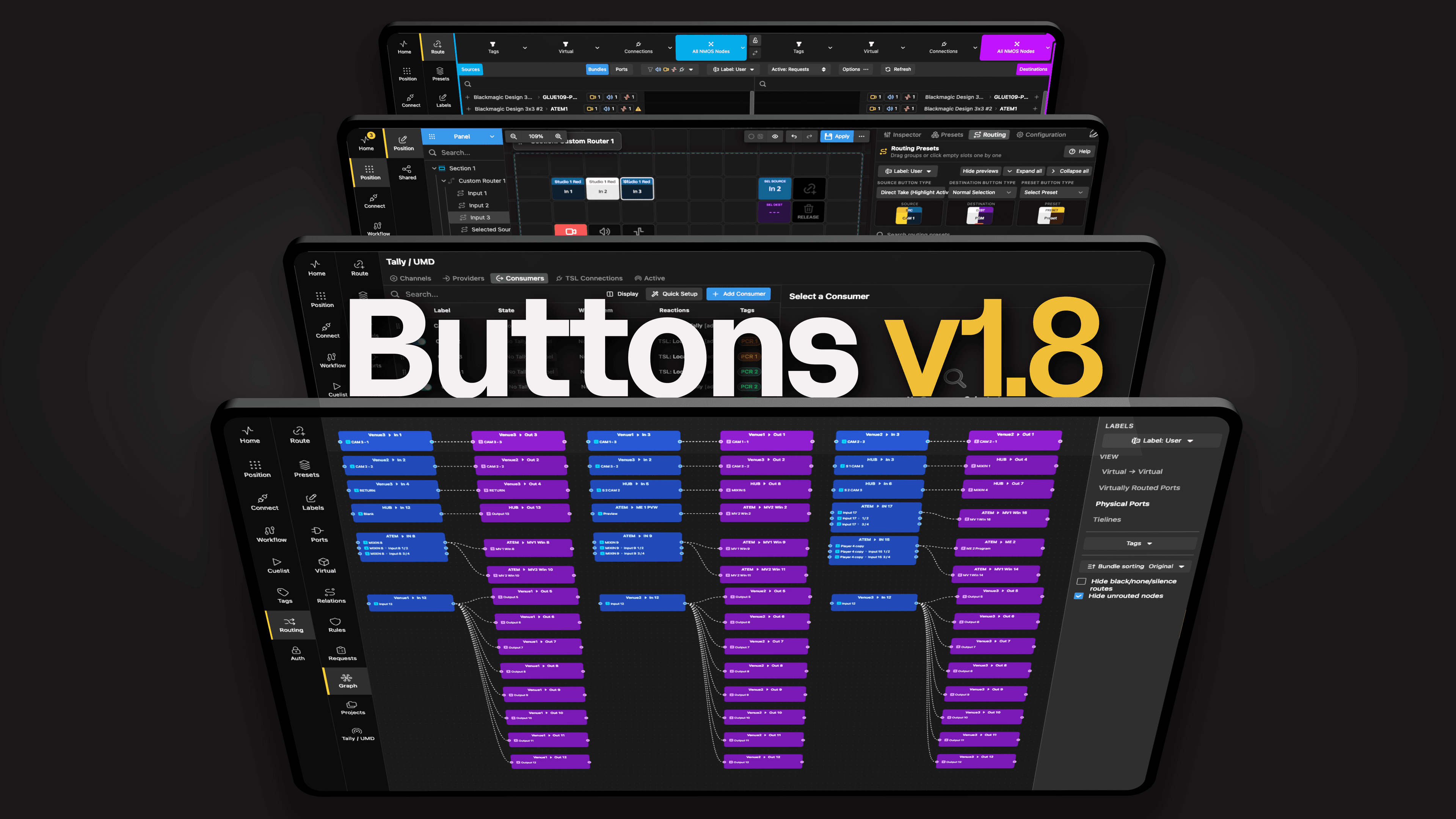
Buttons v1.8 Main with text

Buttons v1.8

October 2, 2026

Buttons v1.8 IBC award win

Bitfocus wins IBC2026 Best of Show Award for latest Buttons enhancements

September 21, 2026

Buttons v1.8 grey background

Biggest functionality boost yet makes Buttons the perfect platform for broadcast and media management

September 10, 2026

Vivid Buttons on screen

Bitfocus Buttons makes complex OB production feel simple

August 10, 2026

NAB2025 Demo at stand

Bitfocus heads to the future with new investment

August 2, 2026
Buttons 1.6 gui Context clean

Bitfocus makes the connections at IBC 2026

July 31, 2026

Demo_Erlend

IBC 2026

July 3, 2026

Podcast show - empty booth

From dark to on air in one second

June 25, 2026

View all news →
  1. Buttons
  2. Features
  3. Popovers

Popovers

When you want quick access to something, you can add a button that spawns a popover with more room for buttons when clicked. Keep your main interface clean while providing instant access to related controls exactly when they're needed.

Contextual Controls

Create popovers that appear on demand, showing related functions only when needed. Perfect for secondary controls, fine-tuning options, or advanced settings that don't need to be visible all the time.

Nested Organization

Build hierarchical control structures without complex navigation. One button press reveals a full panel of related controls, keeping your primary interface focused on the most important functions.

Quick Access Panels

Design popover panels for specific devices or functions. Create a "Camera 1" button that opens a popover with iris, gain, shutter, and preset controls—all in one convenient place.

Space Optimization

Maximize your control surface real estate by hiding secondary functions behind popovers. Show dozens of controls in the space of a single button, revealed instantly when needed and hidden when not.
More content
Buttons v1.8 Main with text
Product Updates · 2 Oct 2026

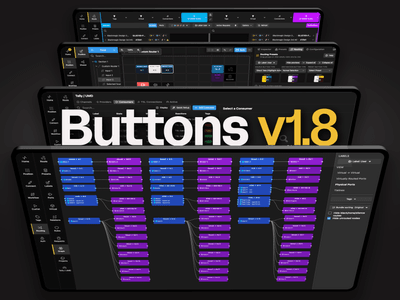
Buttons v1.8

Buttons v1.8 is a huge release! Route signals across multiple devices, keep tally in step with your setup, and get more control over NMOS, buttons, and workflows.

Buttons v1.8 IBC award win
Press Releases · 21 Sept 2026

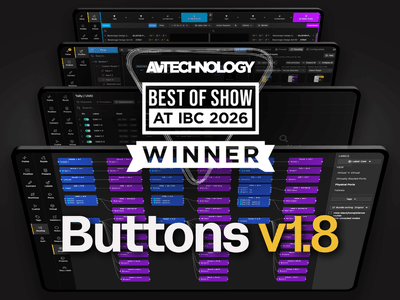
Bitfocus wins IBC2026 Best of Show Award for latest Buttons enhancements

Version 1.8 recognised for new workflow tools, boosted control panel flexibility and ease of integration into IP networks