

Loading...
Loading...
Latest News
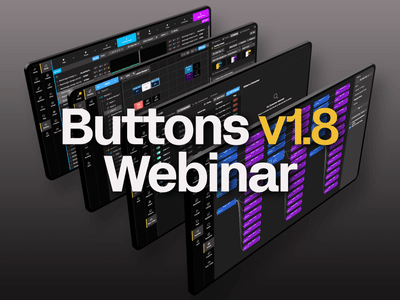
Webinar Buttons v1.8 Release
October 13, 2026
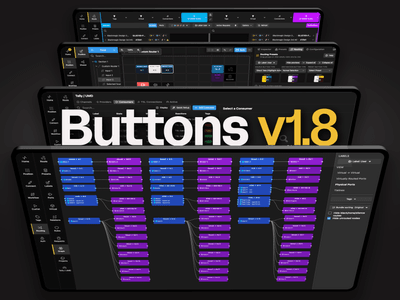
Buttons v1.8
October 2, 2026
Bitfocus wins IBC2026 Best of Show Award for latest Buttons enhancements
September 21, 2026

Biggest functionality boost yet makes Buttons the perfect platform for broadcast and media management
September 10, 2026
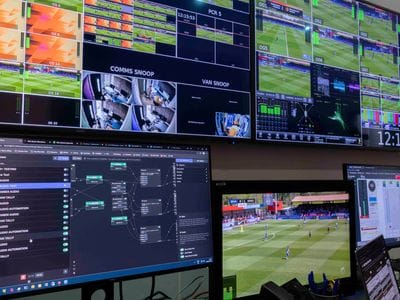
Bitfocus Buttons makes complex OB production feel simple
August 10, 2026
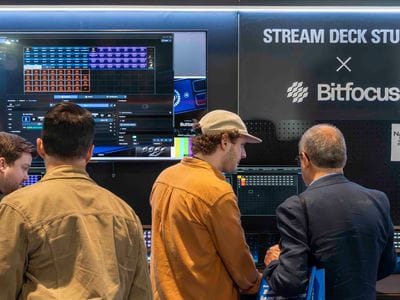
Bitfocus heads to the future with new investment
August 2, 2026
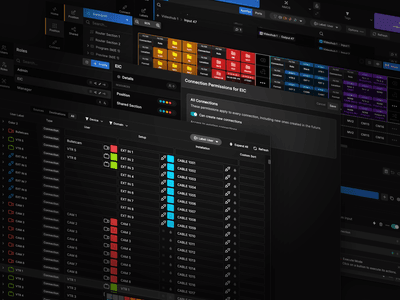
Bitfocus makes the connections at IBC 2026
July 31, 2026
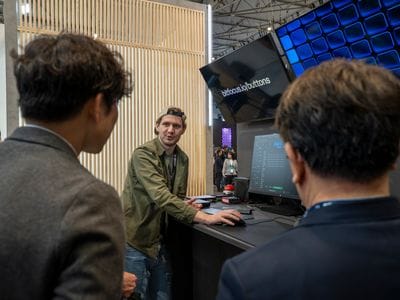
IBC 2026
July 3, 2026
Explore what Buttons can do for your production.
Browse features below or use the menu to jump to a specific topic.
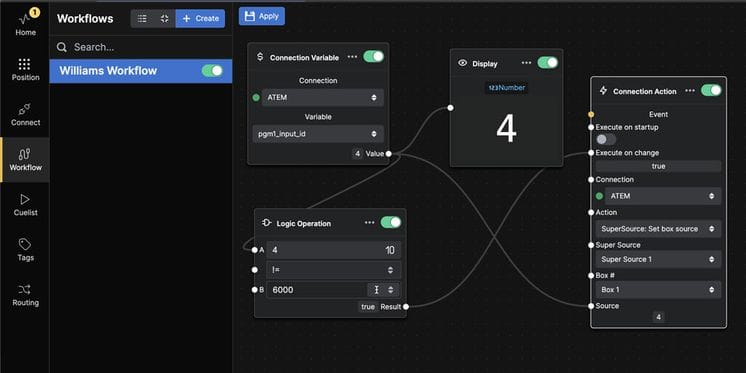
Create complex workflows and sequences using a graph based programming interface
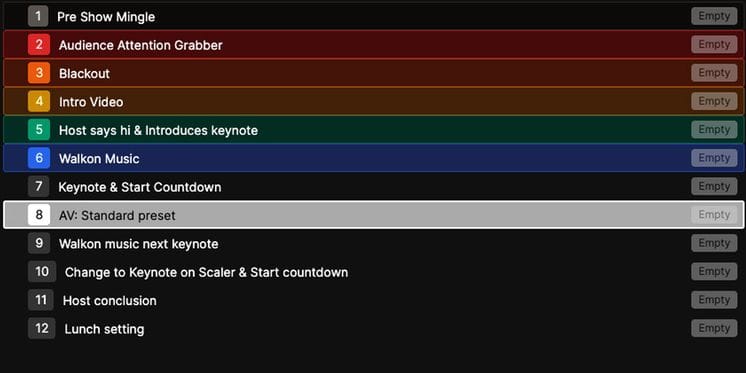
Create cue lists and recall them step by step, with the regular actions we all know and love
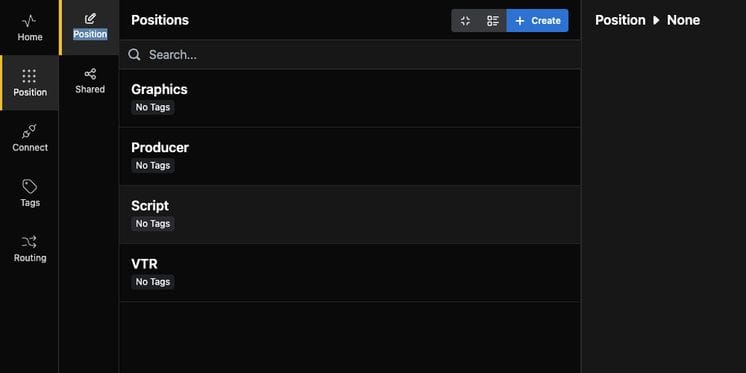
Positions separates and organize the programmed buttons for setups with multiple operators or locations
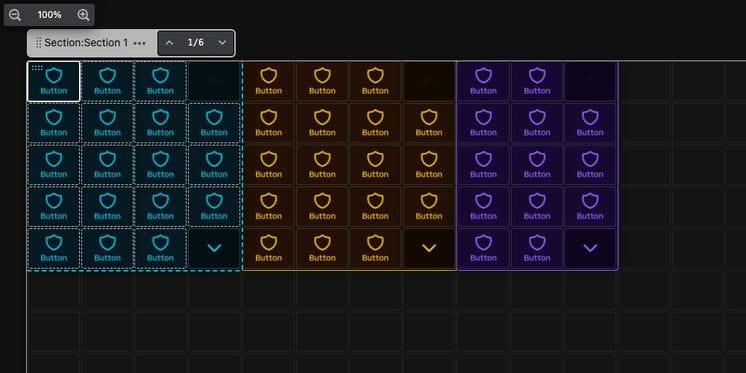
Organize buttons into individually scrollable sections. Secure one or more sections with a PIN code - or NFC card using a Stream Deck Studio
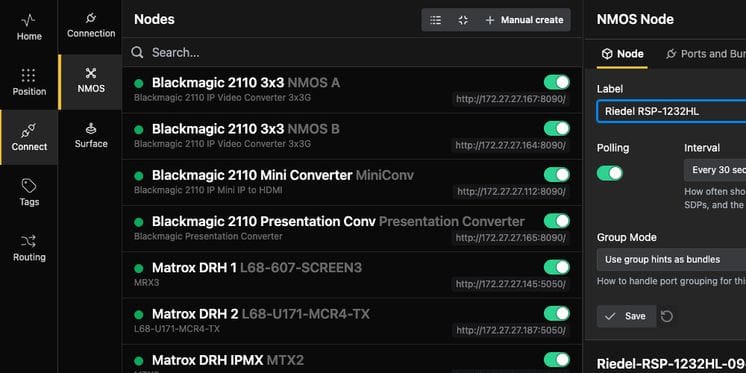
Buttons supports routing ST 2110 and IPMX audio and video signals via the NMOS standard
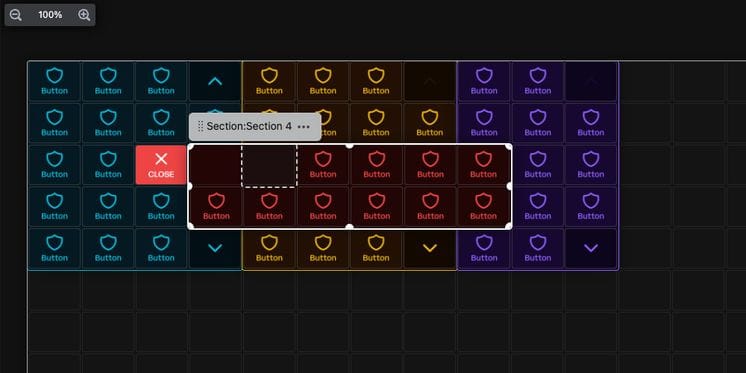
When you want quick access to something, you can add a button that spawns a popover with more room for buttons when clicked
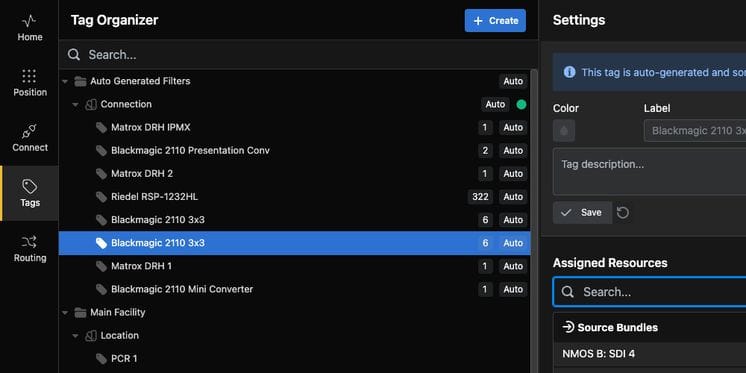
Organize and access manage resources using tags. Tags can also be used to define locations, functions and security contexts
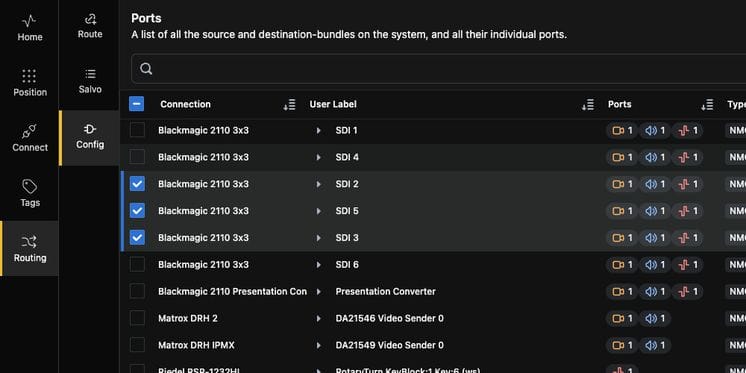
Route internal resources in ATEM, VideoHub, vMix and an increasing number of other devices out of the box
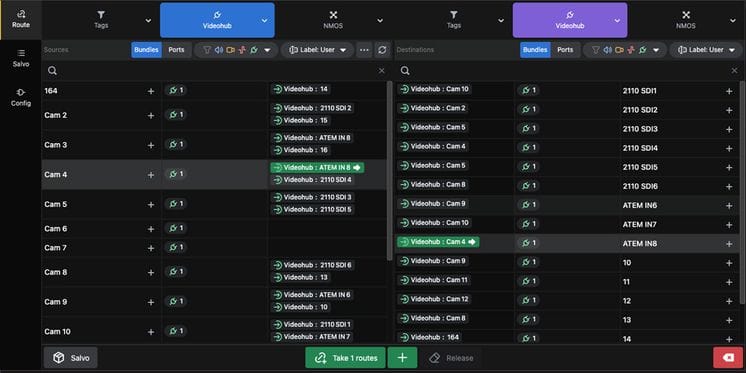
Store routes, route individual ports or entire bundles. Intuitive web interface for mass routing for standard configs and similar cases
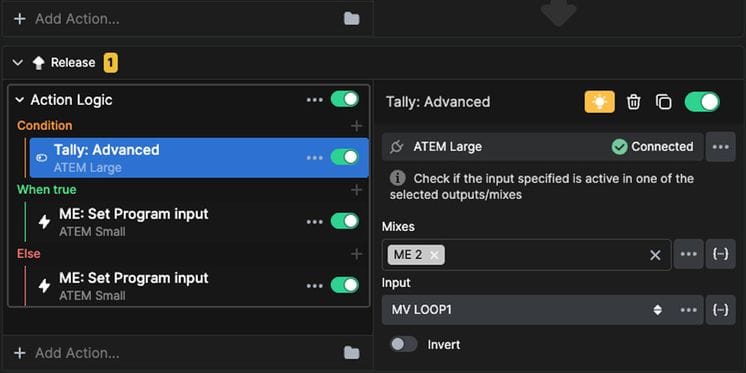
Make a button do something only if a condition is met, like a feedback or a variable
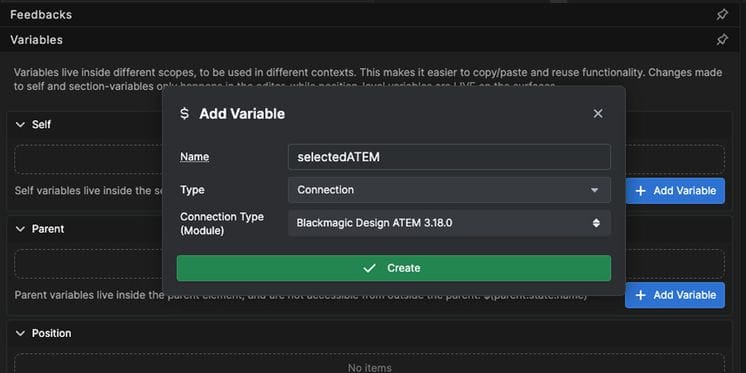
Make buttons that trigger interchangable connections, for example to different studios or racks