

Loading...
Loading...
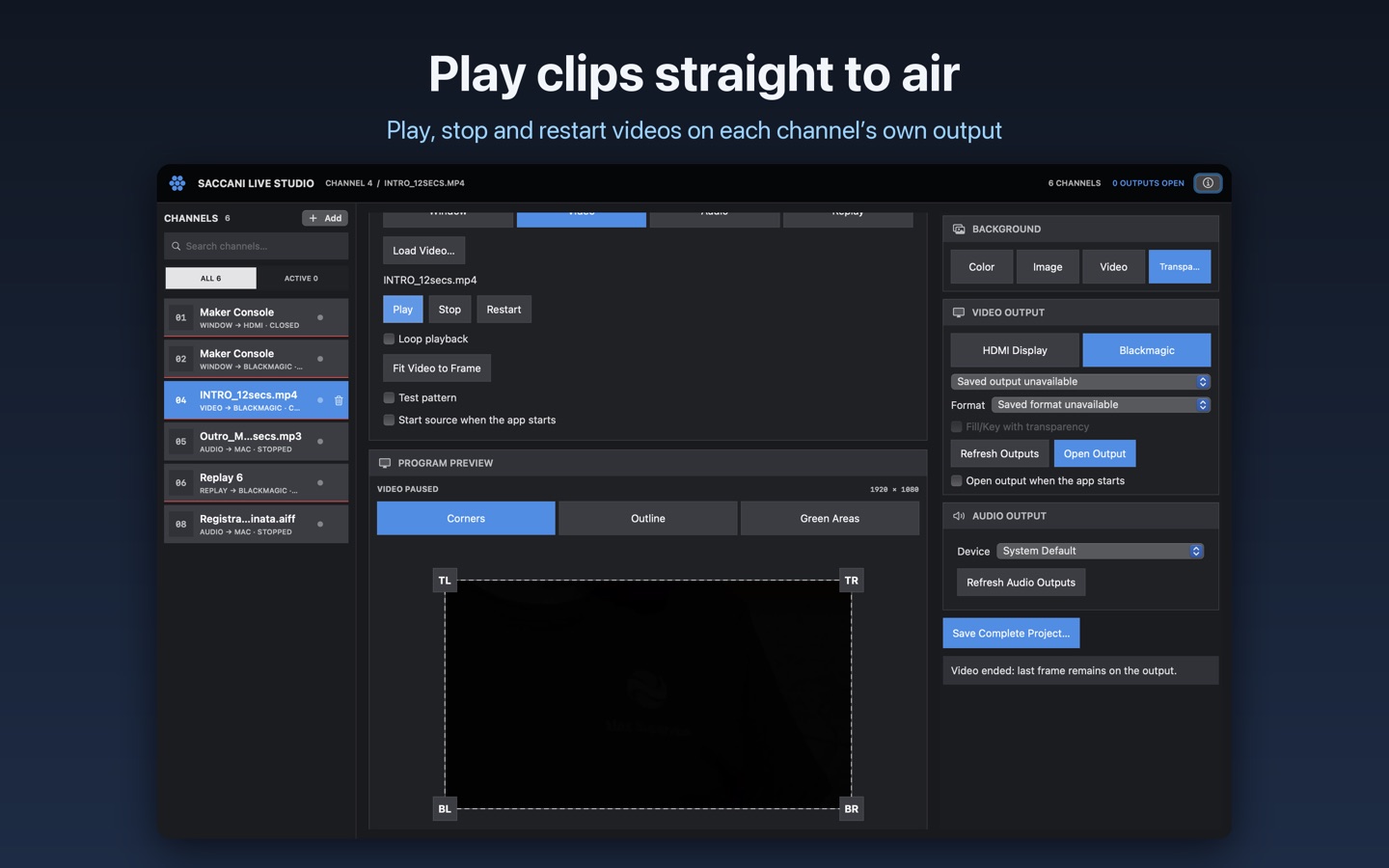
Controls the Saccani Live Studio macOS app, free on the Mac App Store. Requires Companion 4.3+. Companion can run on macOS, Windows, Linux or Raspberry Pi; the app needs Saccani Live Studio 0.21.0+ (Replay channels 0.22.1+, the ATEM's latest clip 0.22.30+, Status 0.22.42+, channel enable 0.22.51+, Channel source 0.22.78+).
http://127.0.0.1:8765).In the Mac App Store edition, allow replay recordings with Settings… → General → Allow Replay Recordings Folder….
Each action uses a channel's stable number; the presets come ready for each channel and fit its source: transport for video and audio, a jog dial for video, a volume dial for audio.
Load media and set up and open outputs in the app: these actions do not do it for you. A channel that is loading, busy or replaying refuses these commands. Failed commands are never retried: last_error and the Companion log explain why.
Choose Replay as a channel's source in the app and set its Video Output, audio, framing and overlay there. The action plays the end of the clip (the seconds set in that channel, 15 by default) on the last selected Replay channel in the app, or on the one you choose.
The clip is the MP4 file in the action; if empty, the connection's default replay file; if that is empty too, the ATEM's latest recording. Paths are on the Mac running the app. The app opens the output if needed, and gives it back to the previous channel at Stop, at the end or if the start fails.
Stop this connection's replay stops only the replay this connection started; for others, use Stop Replay in the app or on the controller that started it. Stopping an ATEM recording, copying recordings and discarding takes are not available here. This module controls only the app: for the switcher, cameras and audio, use Companion's Blackmagic ATEM module.
Choose Chat as a channel's source, connect it to a YouTube broadcast and keep it in Highlight mode.
Each Chat channel has ready-made presets. Variables chat_<n>_… show the status, the message on air and the preview (author, text, Super Chat amount, position). Look, position and Hide after are set in the app. In Feed mode only hiding works.
Choose Status as a channel's source: a live checklist of the ATEM, microphones, cameras, recording and streaming, with alerts.
Each Status channel has presets for the master warning and every row. Variables status_<n>_row_<row> and status_<n>_alerts show the rows and the number of alerts not yet cleared.
Channel: enable / disable turns a channel of the app on or off, or always enables or disables it. A disabled channel shows nothing on its output or as an overlay, and a Status channel stays silent; its source keeps running. The Channel enabled feedback, the tab_<n>_enabled variable and a preset for each channel come with it.
Channel: choose what a Channel source shows sets which channel a channel with a Channel source shows, and the Channel source shows this channel feedback lights the button while it does; each such channel has a preset for every channel it can show. Needs app 0.22.78+. A channel cannot show an audio channel, itself or a channel that leads back to it.
For each channel, variables tab_<n>_… show the position in the clip, the time left, progress, whether it is loaded, playing, busy or with its output open, the filename and the audio volume. Seconds have one decimal and progress is a whole percent. Times are counted from the start of the clip; they are not camera or SMPTE drop-frame timecode. When the app goes offline, playback indicators are cleared. Replay busy also covers replays started elsewhere.