Loading...
Loading...
Sport In The Box
Required Sport In The Box version is 2.23.0
Visit the download page to get Sport In The Box.
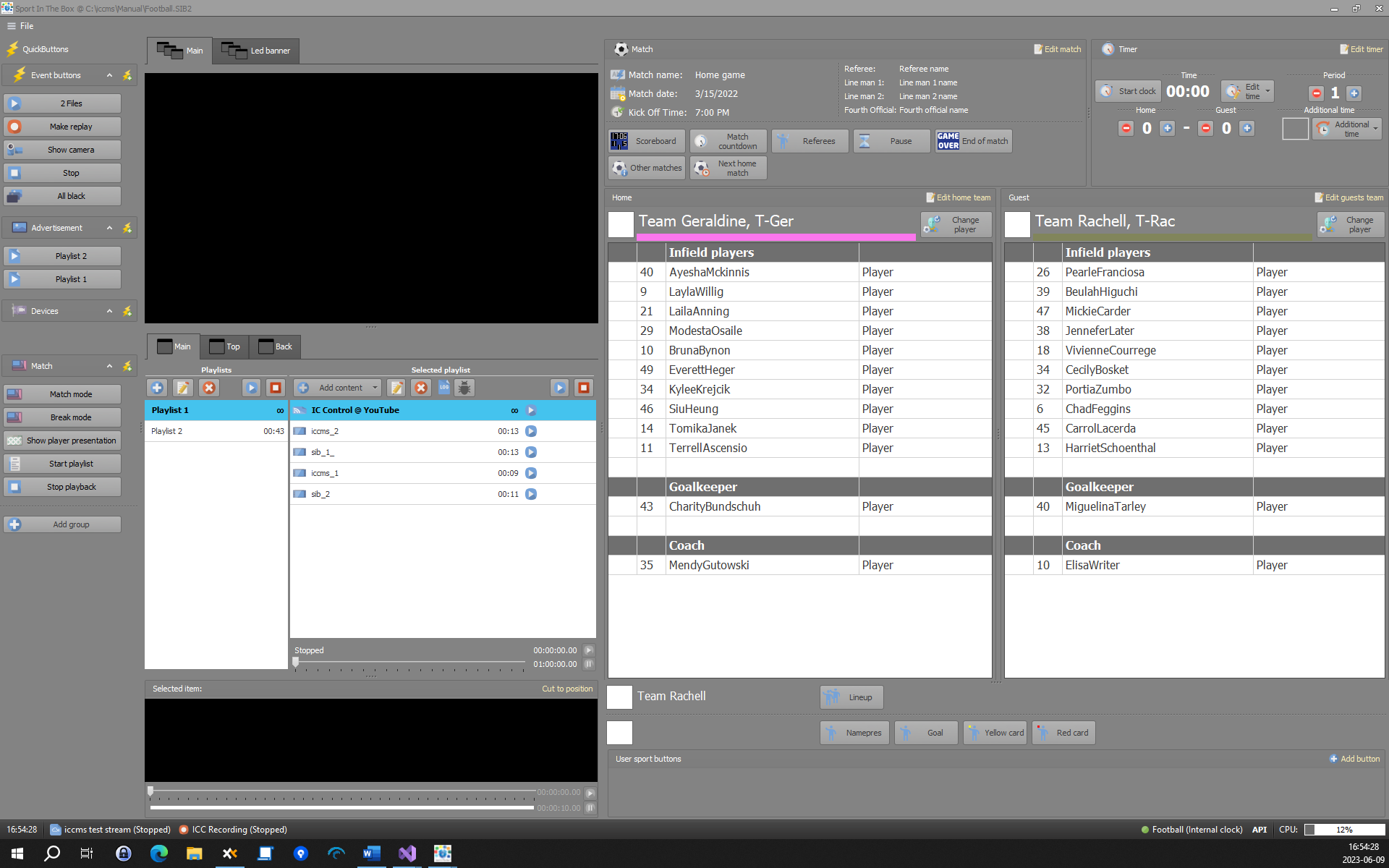
Sport In The Box is a powerful production and playout system that allows the user to create engaging live content and output it to video boards, in-house TV systems and streaming.
It handles playout of stored images and videos, live video inputs, replays and graphics for both full-screen scoreboards and overlays for TV.
With great flexibility, Sport In The Box can output almost any format and resolution to adapt to custom video screens, making it the ideal solution for both smaller clubs and larger arenas.
Sport In The Box can have multiple live video inputs with SDI, HDMI or NDI. The output windows can be placed in any size and position on the desktop to adapt to the LED screens used, taking away the need for a video scaler.
For more information and contacts visit our website
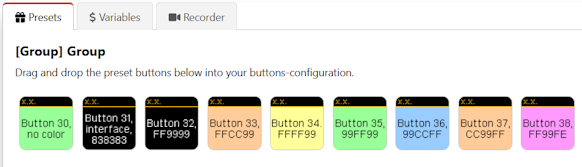
The best way to create a QB action is to drag it from SIB presets. All values will be filled.
or select from the list of possible actions in the drop-down.
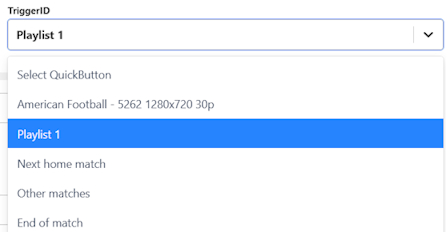
The plugin uses the SIB API to fire QuickButton events via Trigger ID.
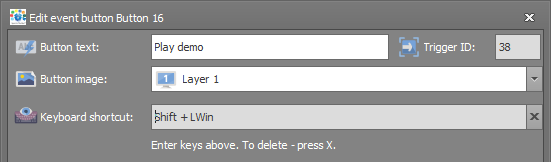
API password is set in Settings → General → API
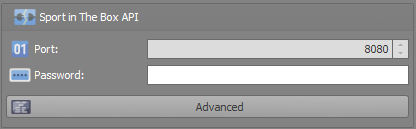
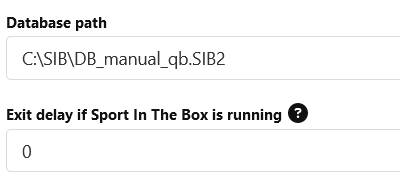
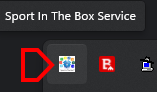
To open the database, SIB v2.16 or above is required, as well as the SIB service helper (found in the tray area).
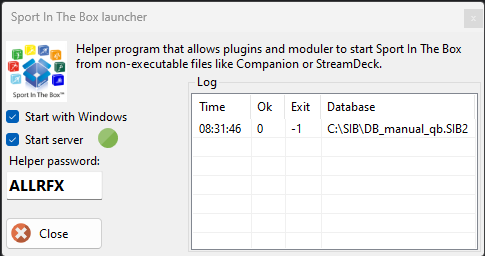
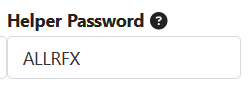
A new password will be generated at the first start and should be set in the module helper password field.
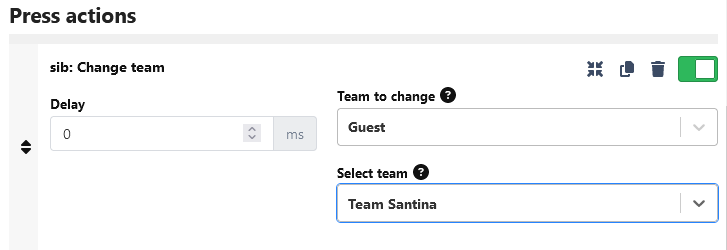
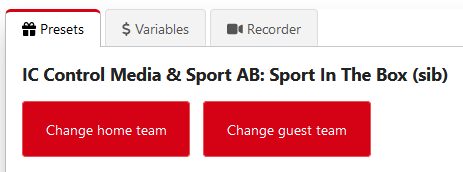
Change team via preset. Home and guest team can be changed separately.
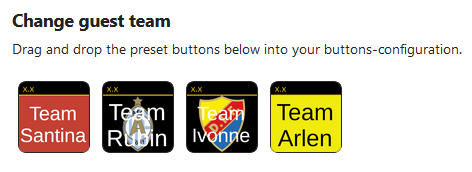
Inside preset, all teams are shown with team color and small team image.
Once created, the team can be changed with the action editor.