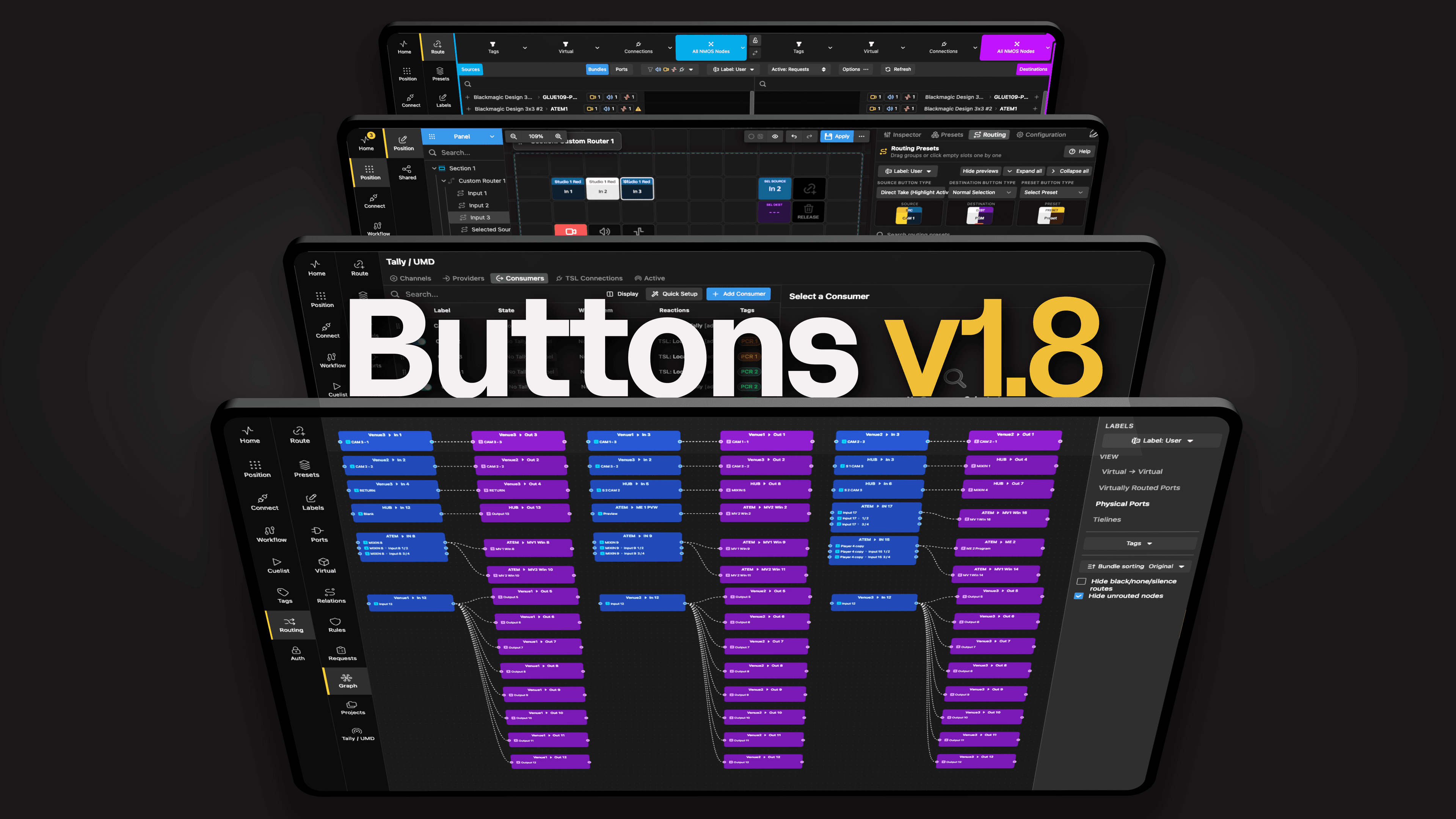
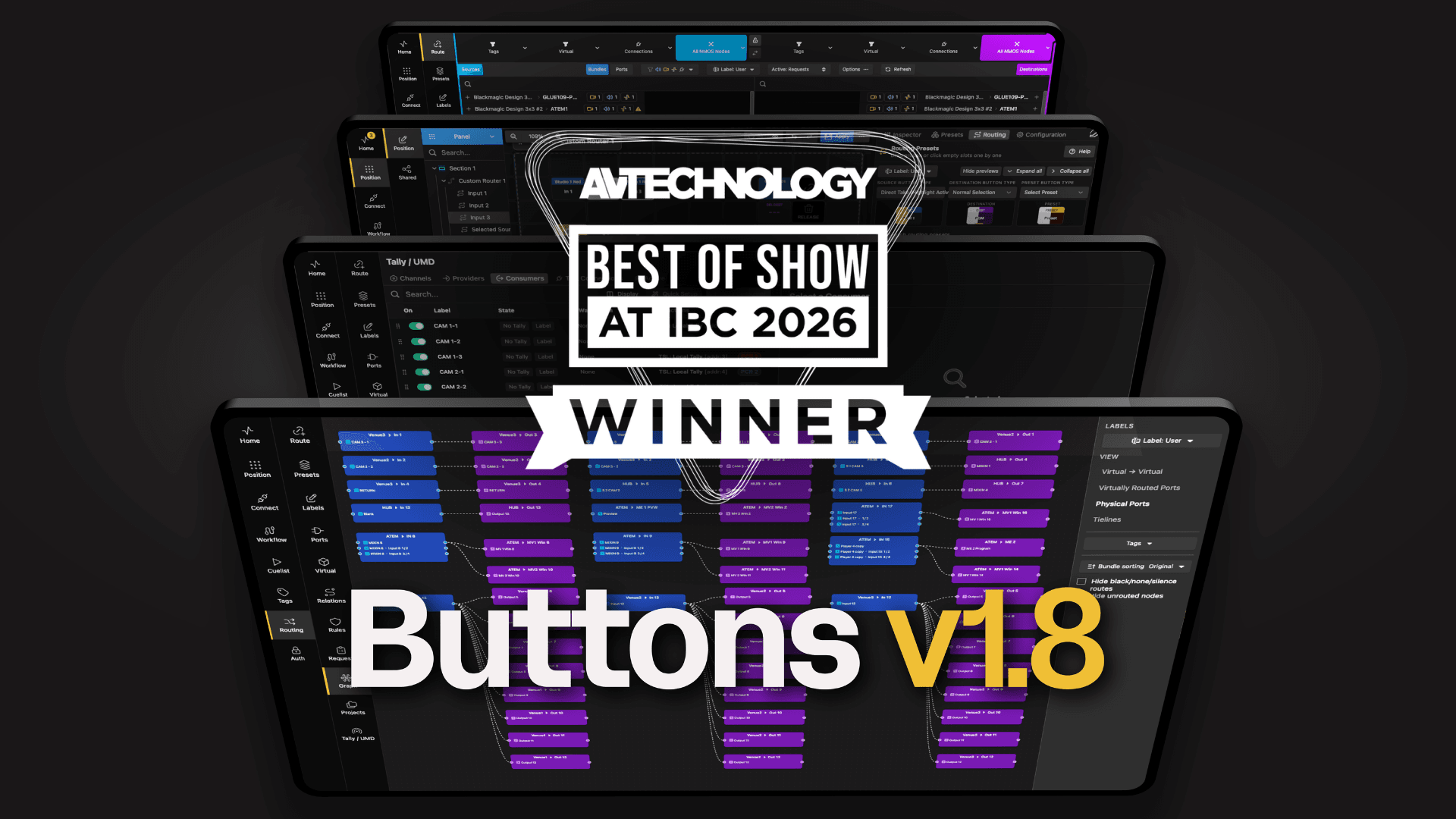
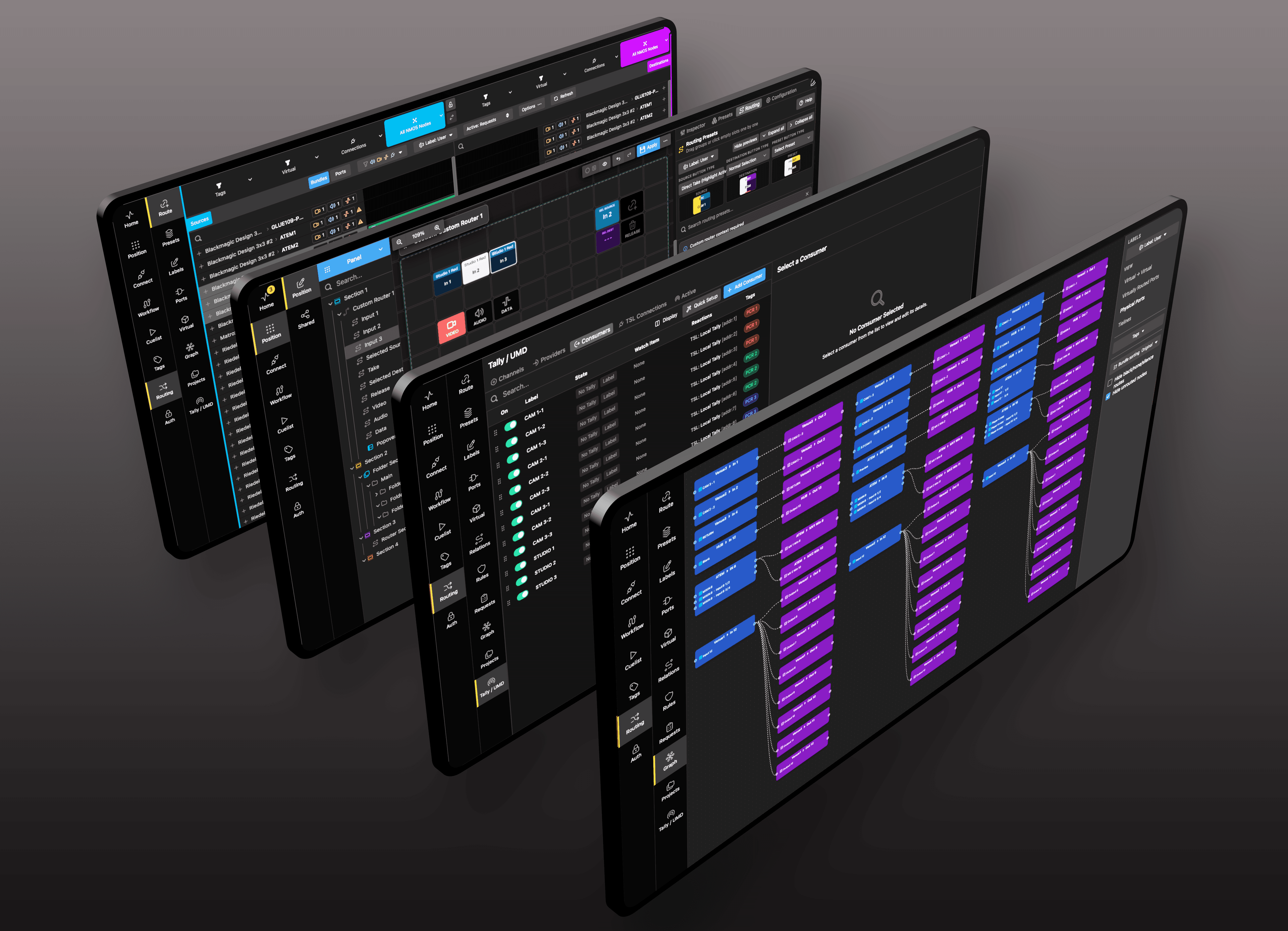
In master control, reliability is everything. Buttons consolidates playout, routing, and monitoring into a single, trusted command center built for 24/7 operation. It keeps broadcasters on air while providing confidence and visibility across every transmission path, from legacy systems to advanced IP-based workflows.
Every system, one point of control
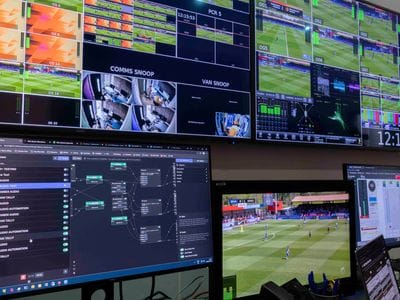
Broadcast master control; commercial and industrial sites; events and sports venues: all have extensive installations of media and related equipment, and all need to operate as efficiently, accurately and securely as possible.
Because the physical nature, operational demands and spatial configuration of each site is different, so users need to assemble a unique technical architecture covering functions like cameras and microphones, lighting, audio and video recording, multiple monitoring positions, automated alerts and alarms, and much more. System designers need to be able to choose the right tools for each element, based on technical and functional specifications and, of course, budget.
The challenge then is to establish a simple, clear and intuitive way to monitor and control the complete system, a solution that puts the right information and controls just where it is needed, without overloading or confusing operators and supervisors.
Control anything, from anywhere
There is a clear solution: Buttons, the uniquely powerful workflow designer and control platform designed to bring any multi-vendor environment under simple control.
Most important, Buttons is not tied to any media vendor or format: it is capable of controlling virtually any piece of equipment you choose for your control centre. Buttons already has more than 800 connections to specific pieces of equipment, with more added as they are needed. New connections are quickly and simply realised.
Armed with this vast library of connections, users are free to bring any media architecture under simple, unified control, creating a monitoring and management system that precisely meets your requirements.
Buttons is designed to be networked and federated, so facilities that require remote monitoring or the provision of disaster recovery control centres are readily handled. Control anything from anywhere.
Build workflows in a few clicks
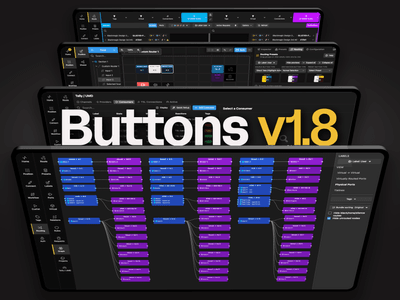
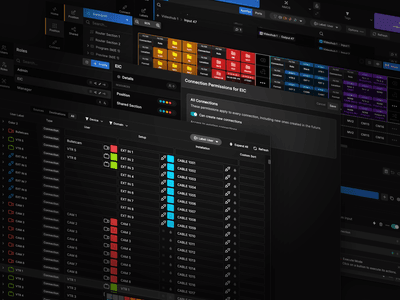
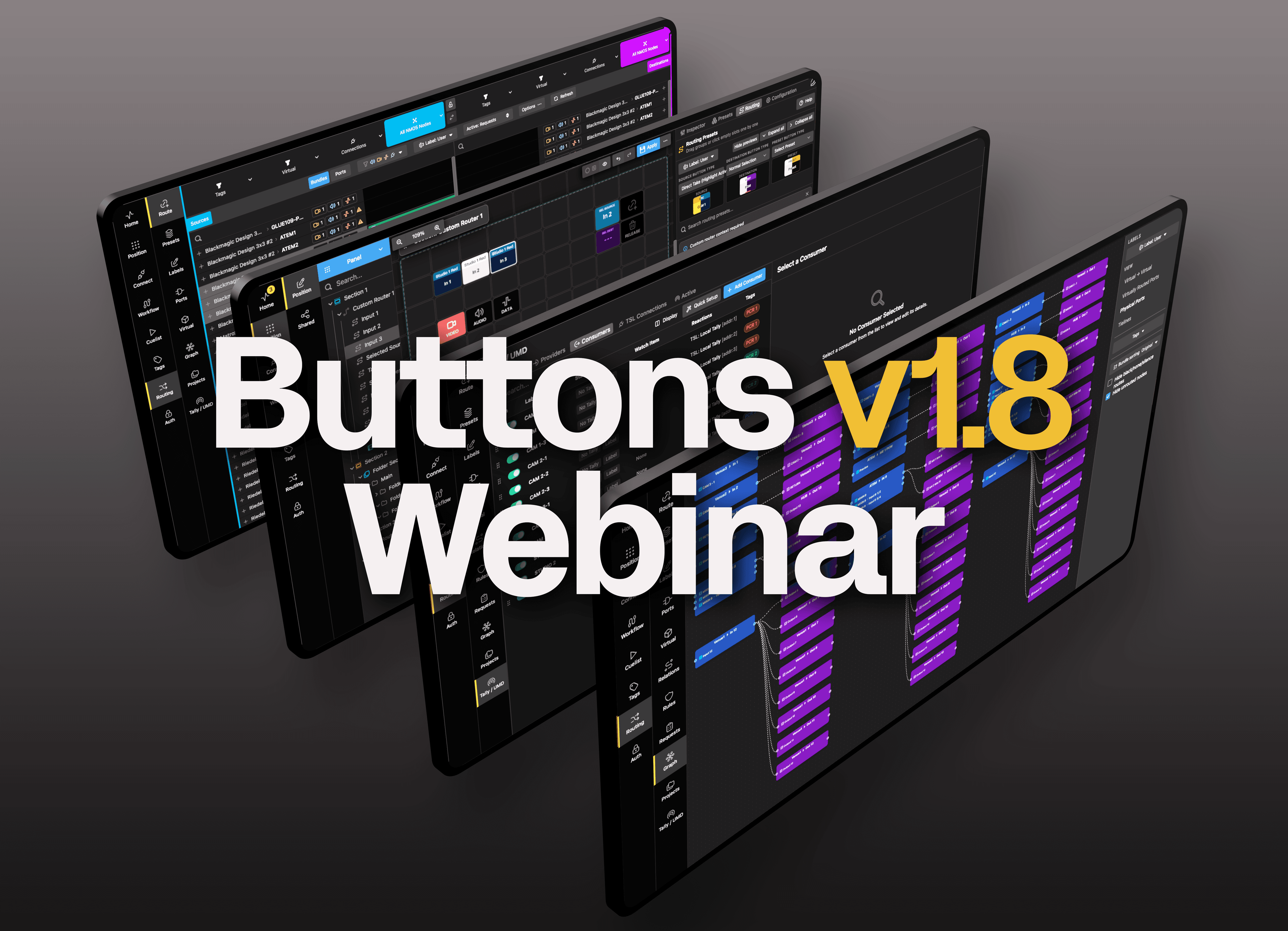
The core Buttons software includes the ability to configure all the equipment in your infrastructure into the signal and control flows you need. A very simple drag and drop interface sets up the signal paths you need, automating routing and providing monitoring. Where your workflows demand dynamic changes to routing and processing, you can build conditional switching into the architecture.
To speed up configuration, Buttons lets you copy and paste. Set up a camera, take it to a router, plan destinations and allocate it a spot on a multiviewer, then simply duplicate that configuration for however many cameras you have. You can configure 30 cameras in a minute or two.
Buttons supports automated and cascaded events to build workflows. If a motion sensor is triggered, or a video alarm detects a fault, you can define precisely what happens. For faults, you might want to expand that camera on the engineer’s screen, sound an alarm, and line up alternative signal paths, all automatically. Unexpected motion detected in a high security area could trigger other cameras to focus on the affected area.
The core Buttons software for system design and all operations is designed for the highest levels of resilience, capable of being run in High Availability on three computers or virtual machines in parallel, continually checking each other for premium broadcast levels of resilience.
The right controls, right where they're needed
In day-to-day operations, users need a simple and intuitive interface. When significant unexpected events happen, it is even more critical that the right people are presented with clear guidance to taking the right actions.
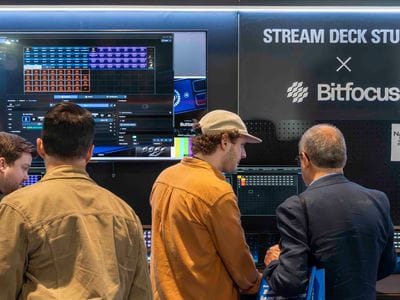
With Buttons, you design the control surface you need. This could be on a laptop or on a tablet, but for most users, a control panel with clearly labelled buttons and rotaries will be best. Buttons is designed to create tailored control surfaces using devices like the Elgato Stream Deck range or controllers.
Because panels are designed and managed by the workflows you set up in Buttons, layouts and functionality are defined by each individual location and user. Only the relevant controls are presented on each panel so operators have complete control over their area with no distractions and no potential to change parameters outside their responsibility.
Should an emergency arise, Buttons workflows will let you set up the recovery paths and, because the Stream Deck configurations are dynamic, the right actions are clearly presented to the user. Taking control where it is needed and returning operations to normal could not be simpler.
Security built in from the ground up
Control centres are the heartbeat of any installation, providing the central pool of knowledge and the tools to direct operations. That level of responsibility needs extremely careful protection.
Buttons was designed from the ground up with the highest levels of security. All core software, interconnections and control paths are protected.
Users log in to their devices. Typically this is using an NFC token for control panels, although corporate single sign-on password protection can be used for laptops and tablets.
The log-in not only ensures that no unauthorised access can invade Buttons: it also ensures that the panel or device is correctly tailored to the user and the location, so it is instantly ready to go with no need for configuration or customisation from the user.
Built to take command of the control centre
There are other media and control platforms available, but they tend to be limited to specific applications, or tied to vendors, or inflexible because of the need for complex programming to modify signal routing.
Buttons is open to the largest range of equipment and processes, allowing you to build precisely the media architecture you need. Want to incorporate weatherproof and ruggedised industrial PTZ cameras into a broadcast control room? With Buttons it is simple. You can even add automated movement when the camera itself does not support it.
It is all-encompassing in the range of equipment it can monitor, control and automate. It is agile because adding new facilities and changing workflows are accomplished with no more than a couple of clicks. It is intuitive in operation, with each user given just the controls – no more, no less – needed at the time. And it meets the highest levels of operational security and resilience.
Buttons is the right choice to take command of the control centre.