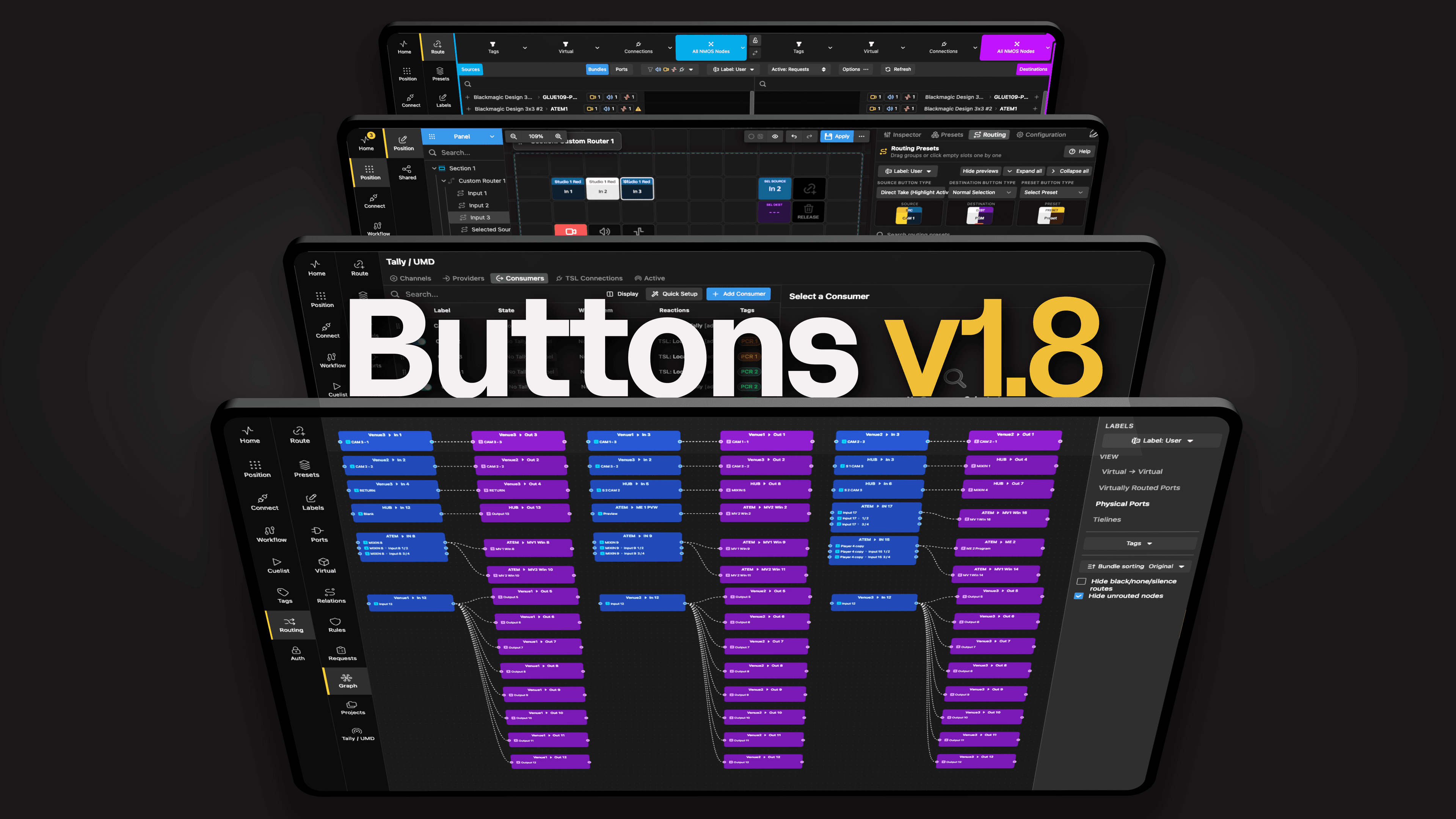
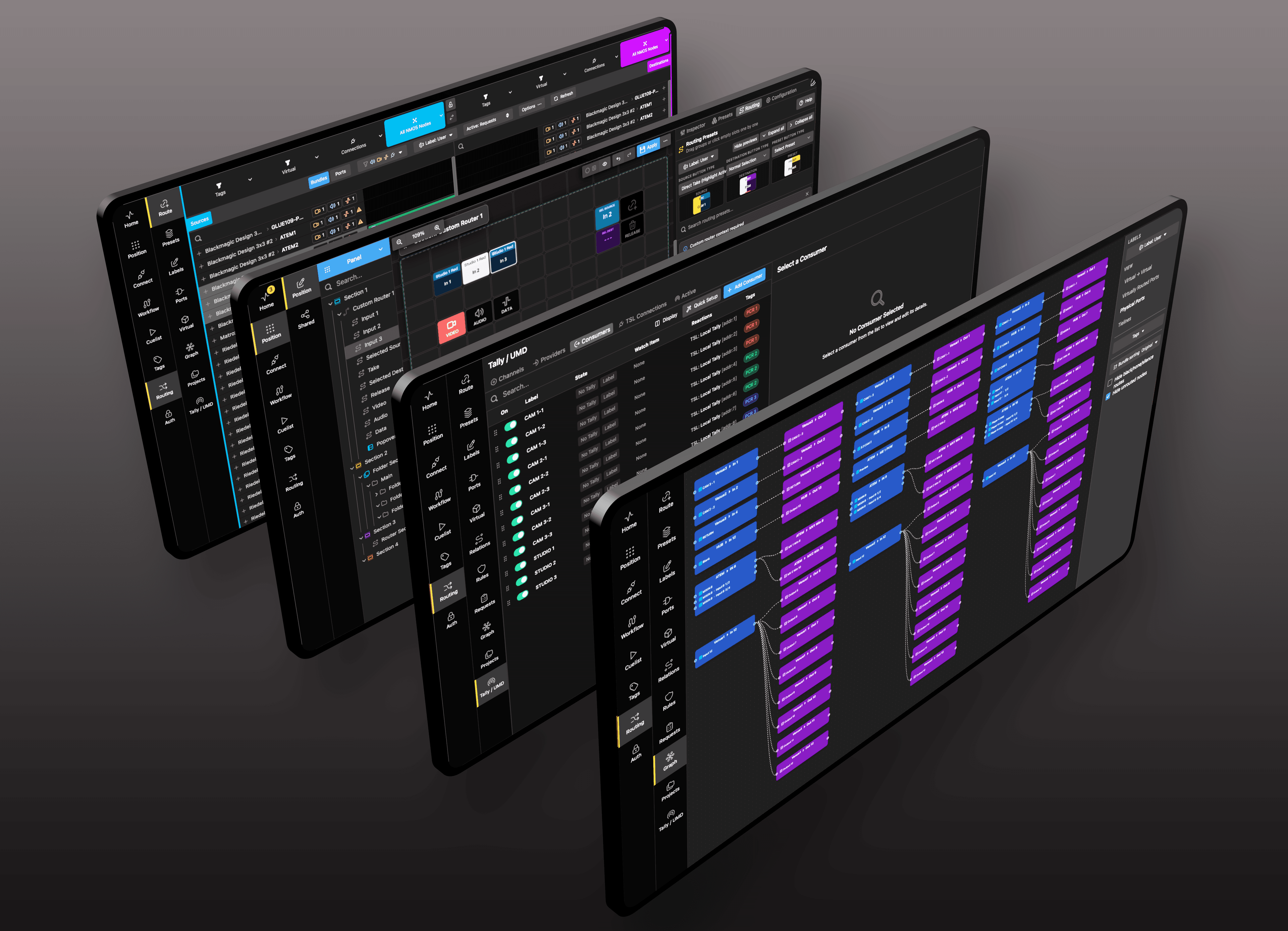
Meetings should start on time, not with troubleshooting. Buttons transforms complex AV setups into simple, reliable experiences by centralizing control of displays, audio, conferencing, and environmental systems.
Seamless conference facilities
Conference organisers need to focus their attention on assembling an engaging programme, ensuring the right speakers and panels are assembled and ready on time, and delivering a seamless presentation that is engaging, informative and professional.
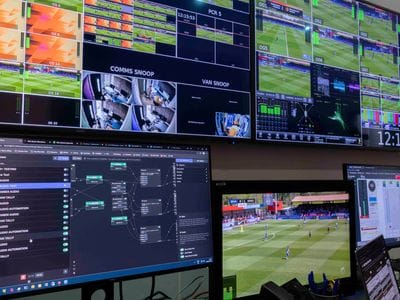
Achieving that depends on a lot of technology: microphone amplification and sound playback, video switching, lighting control. Many conferences will want a permanent record of proceedings, so there will be audio and video recording, using multiple cameras.
There are many different ways to achieve these technical goals, and many different vendors producing equipment to meet the requirements. The result is that every conference room and centre is different, with its own technology infrastructure and multiple devices to control. That is daunting for any conference organiser, and most will tell you that their biggest headache is always getting the equipment to work.
Every device under one control
Buttons is the solution.
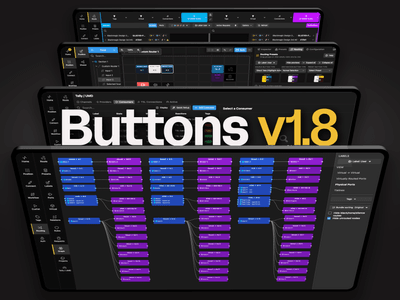
Buttons is the uniquely powerful workflow designer and control platform which brings order to any multi-vendor technology platform – like the typical conference room.
Embedded within Buttons is an interface to virtually every piece of equipment you are likely to encounter: there are more than 800 connections currently included, and more are being added as they come into being. That means that every element of the conference is under its control.
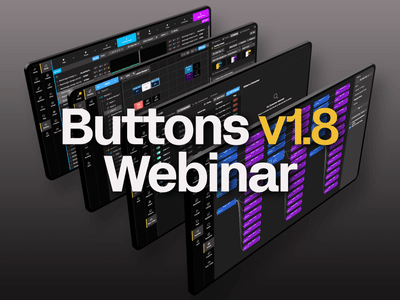
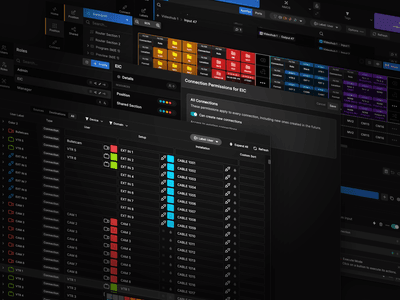
Every one of those devices then appears on a simple, clear, completely intuitive control surface. That might be on a tablet or laptop, or on a dedicated control panel – you choose. Control panels, like the Elgato Stream Deck, have both dynamically assigned functions and rotary knobs. Each control is clearly labelled with a user-friendly tag, so the button says “play video” or “dim house lights”, so it is foolproof in operation.
A whole session on a single button
Better, actions can be linked and cascaded. A single button labelled, say, “start session” could fade out the walk-in music start recording, dim the house lights and cue an opening video and audio sting, then light the podium, open the chair’s microphone, and cue the speaker as the music fades. All on one button. If a speaker introduces a video, a single button could dim the lights on stage, fade down the microphone and run the video, opening its audio channel. As the video ends, so the sequence is reversed.
Because Buttons is completely flexible, you can add any function you need. If you have multiple cameras for image magnification or recording, you can assign keys on your Buttons interface to cut between them as required, or interface to automated camera control. You could programme keys to do almost anything – even send a signal to catering to get the coffee ready when the chair starts the closing remarks.
This is transformative. Conference producers no longer need worry about how the technology works, or about co-ordinating operators and hope that it all runs smoothly. However complex the installation, and whichever manufacturers’ equipment is used, the user interface is completely clear, completely intuitive, and designed to ensure that one person can control the entire show.
Secure access for every event
That power needs to be protected, of course, so security is built into the core of Buttons. You access just the functionality you need, only when you log in. That can be by sign-in or by using an NFC token, assigned by the conference centre and tied to your specific event. No-one else can access your conference controls, and when you do, you have exactly the functionality you need, logically laid out in front of you.
Flexibility for conference centres, confidence for users
Buttons is transformative for conference centres. For the operator, it frees the choice to invest in the best equipment for the job, knowing that it can all be managed by coherent control. When a device needs to be replaced, it can be from a different vendor but to the user nothing will have changed.
It also slashes the need for technical support for conference organisers when they come in. You set up their workflows in advance, using the simple drag-and-drop design tools in Buttons, and they can see instantly how to do what they need to do. Any last-minute requests for technical changes are easily accomplished, without disrupting the event.
For conference producers, it creates complete confidence that the smooth and successful running of the event lies in their own hands, thanks to the ease of use of Buttons.