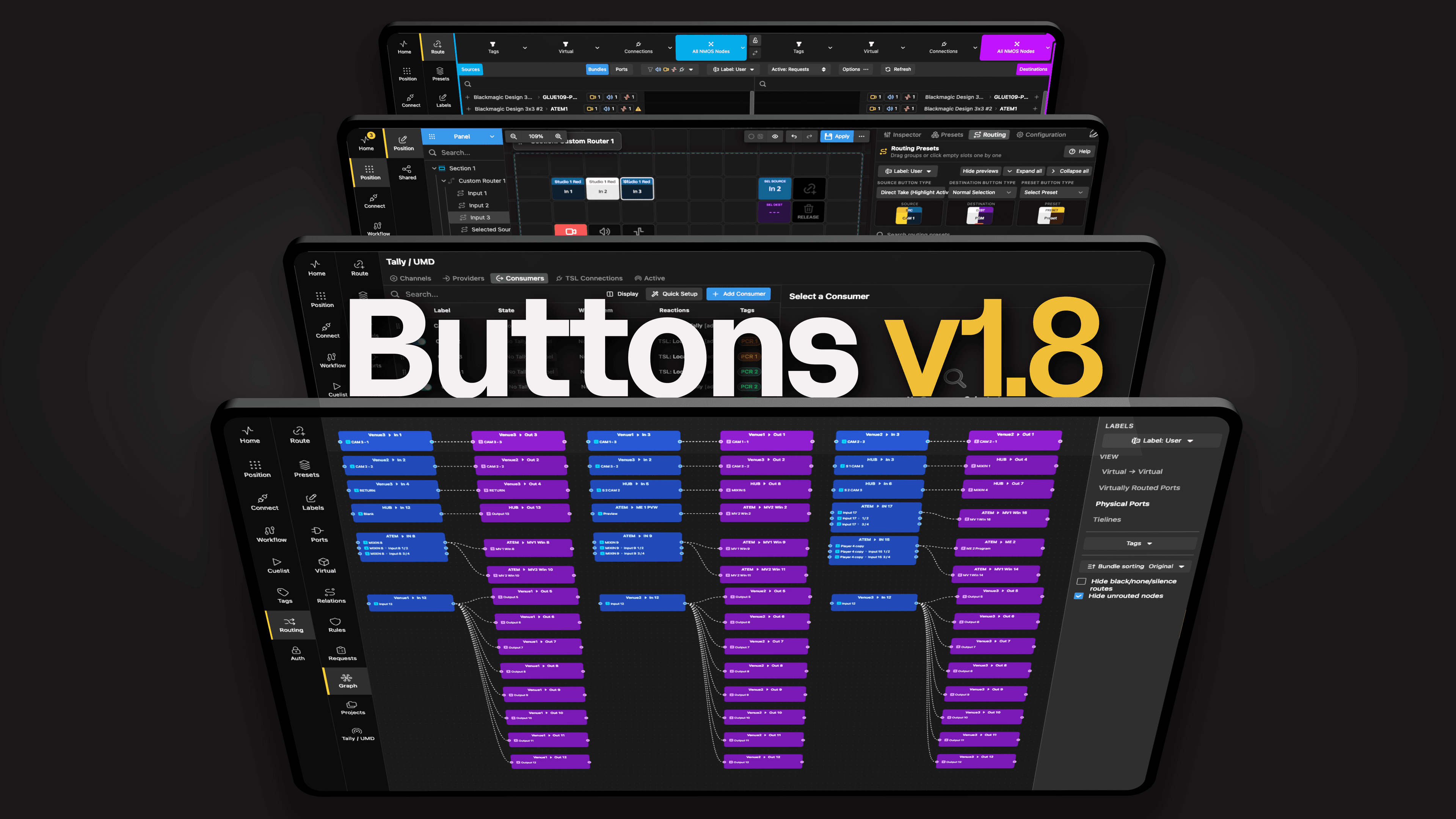
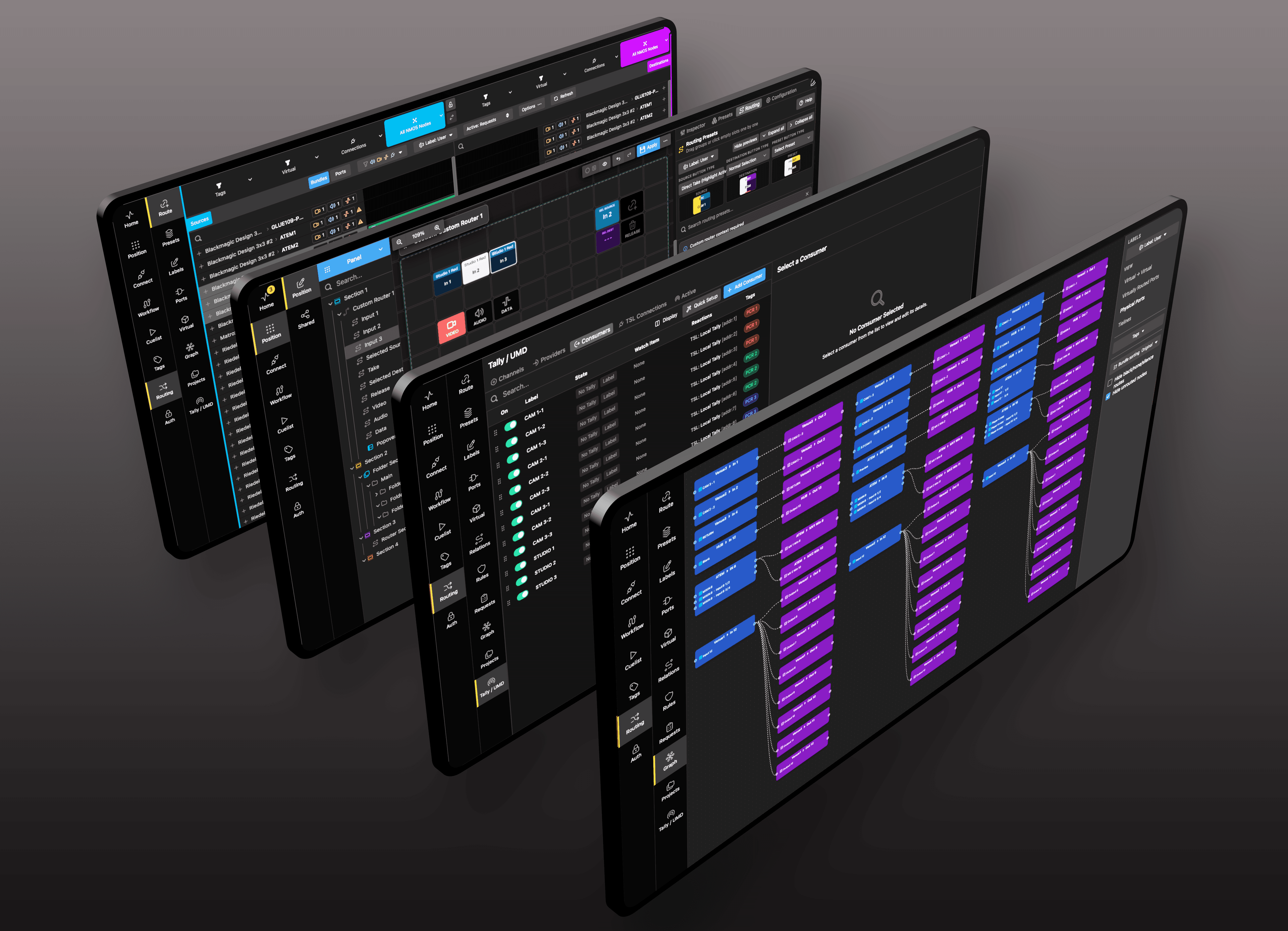
Technology should support learning, not slow it down. Buttons helps schools and universities simplify even the most advanced AV environments. From classrooms and lecture halls to auditoriums and digital signage, it unifies control so educators can teach confidently and technical teams can focus on innovation.
Media in the classroom
You’re a teacher or a college lecturer. You love your job because you get to inspire your students through your knowledge and enthusiasm for your subject.
Yet you walk into the classroom or lecture theatre and the first thing you have to do is go through a whole lot of equipment to check that it is working, calibrated for you, and ready to go. That is stressful, it wastes time, and it kills the mood.
It would be wonderful if you could walk into the room and, with one touch, everything is configured precisely the way you want it.
Walk in and you're ready to go
That is precisely what Buttons gives you. Buttons is a uniquely powerful workflow design and control platform for any media application. Because it is designed to be extremely flexible and agile, it is ideal for applications like schools and colleges.
Set-ups are defined in advance. Your identity in Buttons knows how you like to run your sessions: how you stand and move, whether you use demonstrations, whether you get students actively involved, how you like the room to be lit. You can define exactly what you need and what you prefer.
When you walk into a room, you simply tap your token on the control panel. That token could be your door-access keycard, for instance, or other security device: you probalby already carry this token. With it, it no longer matters which room you are allocated for this session: your security token knows who you are and how you like your set-up.
Just logging on – tapping your token – automatically activates the pre-sets. Cameras are set to the right position for you. Lighting is adjusted. Your presentation is loaded. You are ready to go, instantly, with zero stress.
One panel, everything you need
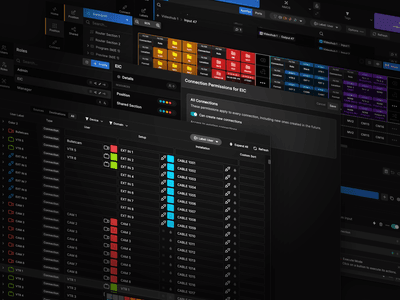
Everything media in the room is controlled from a simple control panel. This features dynamically assigned buttons, labelled to suit your needs.
A single key will switch the projector to your presentation. There could be a button which says “Demonstration”, which dims the room lights and spotlights the equipment, focusing all eyes on the experiment.
If there is more than one camera in the room – for demonstrations, or for seeing students asking questions – then they may have their own buttons too.
The important point is that you have control over what you need, in a way which is completely clear and foolproof. And you have no unnecessary controls to add confusion or risk of error.
Record and share in a tap
A button initially labelled “Start recording” triggers central video and audio recording when you are ready to go. That button will change to say “Stop recording”, ready for the end of the session.
The Buttons core software could then instantly publish that video to a college intranet, overlaid with the teacher’s identity (thanks to the log-in NFC token). The video could also be added to the archive, available for students to refer to at a later date.
Your token, your session
Buttons is designed with security in mind at every layer. It is trusted by major broadcasters and producers around the world, who demand complete control.
In the education application, the system is completely protected by allocating a unique NFC token to each user. Without that token nothing happens, so there is no scope for accidental (or willful) changes. As soon as the token is tapped in everything is set correctly; at the end of the session you log out and shut down with a single button press.
And, of course, that same token sets the complete installation to exactly what the teacher needs for that session, automatically and instantly.
Flexible enough for every subject
Every subject has different expectations and demands; every teacher or lecturer has different ways of meeting them. In an English class you might want to show multiple video clips to discuss how different actors deliver famous speeches; in a science class you might have a series of experiments and need to give every student a close-up appreciation of what is happening.
The technology to do all this exists, but often in an educational environment it is a mix of systems from multiple vendors, and educators either have to waste time dealing with complex technology or settle for sub-optimal results.
Buttons is designed to control virtually any piece of media-related technology: there are more than 800 integrations to different devices and processes, and more are continually being added. Buttons allows users to set up rooms and users to give them exactly the functions they need, without burdening them with technology.
The inherent flexibility also means that hardware can be dynamically allocated to rooms according to need, so there is the potential to save on capital investment by sharing expensive kit. As far as the teacher in front of the class is concerned, logging in to Buttons means that everything they hoped would happen in the class is ready to go.