Published on November 23, 2026Last updated on November 27, 2026
Product UpdatesRelease NotesButtonsv.1.10
Release Notes & New Features
Buttons 1.10 is a big step for the people who build and run control systems. Let an AI assistant build positions, workflows and routing panels for you over MCP. Design buttons layer by layer. Run large NMOS plants on a fraction of the resources. And see exactly who routed what, and why, with Audit Logs. These notes cover everything that is new since the 1.8 stable line.
Highlights
Build with AI over MCP
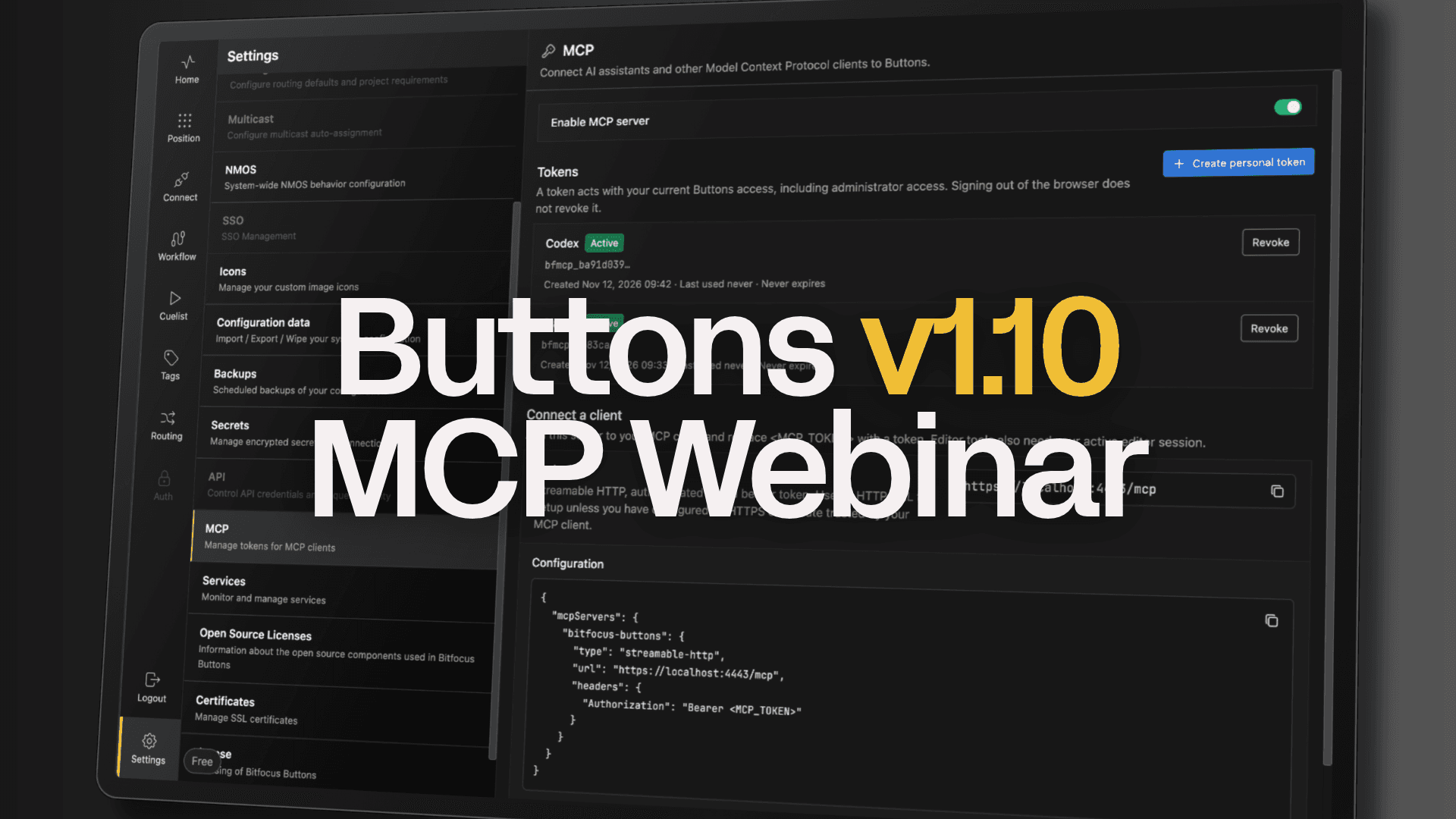
Buttons now has a built-in Model Context Protocol (MCP) server, so an AI assistant such as Claude can work in Buttons with you. Describe the control surface or workflow you need and the assistant builds it, or ask it to look into a problem with your system. Turn it on under Settings → MCP with Enable MCP server, create a personal token, and connect your client. The assistant acts with your own access.
Connect Claude Desktop in one click with the extension you download from Settings → MCP.
Build and edit positions, shared sections, position variables, custom router sections and router sections.
Build custom layout buttons: add, change, restack, group and remove layers, place module elements and style layers from feedbacks.
Plan cuelists: list, read, create and edit cuelists and their cues, and build buttons that run them.
The MCP has access to the full Buttons documentation.
Custom buttons
Design a button from layers when a template is not enough. Convert any button to a custom layout and build the feedback your operators need: a level meter, a status badge, a label over an image, or all of them at once.
Layers to build with
Text, which can scroll when it is too long to fit
Images, from uploads or the icon library with a colour of their own, including animated GIFs
Boxes and circles, whose backgrounds can flash when an encoder selects their section
Gauges
Lines
Module elements: graphics that a connection module provides
Feedbacks can change any layer, so one button can show many states. Module presets that come with a custom layout import as one. The layout editor works on the live preview, with multi-select, snapping, groups, and copy and paste.
NMOS at scale
NMOS in 1.10 is faster, lighter and better at looking after itself.
Large NMOS installations use about a quarter of the memory and CPU they did, and route many takes at once about twice as fast. Takes stay prompt while nodes are still being discovered.
Restore after Device Restart: when a device or Buttons restarts, a receiver that comes back with nothing is given back its sender, SDP and transport parameters, and a sender that comes back inactive is enabled again with the transport parameters it had. A new Restore points tab shows what is stored for each sender and receiver, and what Buttons would apply.
Route NMOS receivers to MXL senders on devices with IS-05 v1.2.
A new Issues tab lists problems by node and connection. Connection status shows why a connection failed, temporary failures keep the last known ports while connections retry, and resources a device sends in a bad format are skipped and reported.
The Static SDP library is available with Pro licenses, so streams without an NMOS sender can be routed from pasted SDPs. You can edit pasted and collected SDPs before you save them.
Right-click an NMOS source or destination on the Route page to view its SDP.
Receivers that take an SDP Buttons does not know show External SDP, and the routing report shows why each transport file failed and what the sender answered.
Serve the NMOS Registry over HTTPS with the certificate from the Certificates settings.
Each NMOS connection shows where it gets its data and what controls it, and a node can move between manual, discovery and a Registry and keep its ports and settings.
Audit Logs
With Pro and Enterprise licenses, Audit Logs show who did what across your system. Turn them on in Settings → Features.
Every route, salvo, release, lock and action is recorded with who ran it, whether it came from a position, the web UI, a cue, a workflow, tally or the Control API.
For each route, see what it ran and how long it took: the connection action with its levels, the NMOS IS-05 stage with its receiver, sender and HTTP status, or the workflow router node.
Follow a request from the button press, through its routes, to the actions it ran.
Search by any field from Settings → Audit Logs or the new Logs page in the routing menu. Entries are kept there for 4 days, and in an audit log file on the server for as long as the process logs are kept.
Download the whole audit log as a JSON Lines file. Each download is recorded too.
Reading audit logs needs the new Audit Logs permission. Project expirations, and what became of each project's routes, are recorded here too.
Also new in 1.10
Tally that follows the signal: tally providers can target a virtual bundle or one of its ports, and can mark everything feeding an on-air destination as on air: the source routed to it, every virtual bundle the signal passes through and the tielines it comes over. A live map in the provider editor shows what gets the tally. Router Sections and the Route page show tally with no setup.
Dante routing: route Dante audio and video channels through the Audinate Dante Controller module, with clearing and device locks. With version 2.1 of the module, Buttons also shows each channel's active route and reports a route as failed when the device does not confirm it.
Off-site backups: upload backups to Amazon S3, S3-compatible services or Azure Blob Storage, next to the copy on disk or instead of it, and restore them from the list.
More routers: Grass Valley AMPP, with routing within each fabric, destination locking and renaming, and version 5.0 of the Panasonic KAIROS module.
Faster tables: large lists load as you scroll, with server-side sort, search and filters, Filter and Display menus, pinned columns, keyboard navigation and desktop-style multi-select. The position variables table edits like a spreadsheet.
New features
Routing
Route ports to a bundle, or a bundle to ports, from the Route page and the Control API. Choose how sources pair with destinations: Sequence, Repeat or By group.
When a tieline route has no path, the Paths preview and the routing report say why, name the relations involved and link to the page where you can fix it.
The routing report, the Routing Presets window and the progress toast show live progress as each route finishes.
Virtual Routing has a Route Status tab that lists every physical route a virtual mapping asks for, and whether the destination carries it.
Enable or disable Relations. Disabled Relations are not used for routing, labels, tally or tielines.
Relations used for tielines warn when another source is routed onto them outside a tieline request. Click the warning to route the relation to black.
Filter Route Requests by status, initiator and project, sort them from the column headers, and search them by source and destination label.
Add routes from the Execute view to an existing routing preset, and right-click a bundle or port to open it in Ports Config.
New feedbacks check whether one port is routed to another, and list what is routed to a port.
AJA KUMO, Ross NK, Imagine LRC, Utah Scientific and vMix connections can use their first or last input as the none source. Panasonic KAIROS and Dante Domain Manager connections have a built-in none source.
Router Context actions and feedbacks can use another custom router, on this position, another position or a shared section.
Custom Router source and destination buttons show the icon set on their port or bundle label, in the label's colour.
Evertz Quartz connections warn when Expose Crosspoint Variables is off, because Buttons needs it to show active routes.
Tally and TSL
TSL label mappings can use an Expression to combine or reformat labels, for example to show two labels on one UMD.
Consumer expressions can use the names of active tally channels with $(tally1), $(tally2) and $(tallies).
A Tally Provider's TSL Server input can listen to every address on its connection, and on TSL 5.0 to one screen.
Create a TSL connection straight from the TSL Connection picker.
Positions and editor
Remap references on a section point its internal actions and feedbacks, such as Set Active Page, at other sections, pages, popovers or buttons without copying anything.
Folder pages and popovers can keep their state while they are hidden.
When a button's actions fail in the editor, the error names the failure and links to a report of each action's result and duration, and which feedback conditions were true.
Open expression fields in a larger editor.
After your session expires, you return to the page you were on when you sign in again.
Cuelists
Stop one cue, or every cue of a cuelist. Disable a cuelist to unload its cues until you enable it again.
The Cuelist Status feedback checks whether a cue is selected, running, current or next, and can show the names of those cues on a button.
Cuelist Command can select or run one cue, found by its id, number or label.
Workflows
TCP, UDP and WebSocket nodes are available without turning on experimental nodes. They show their connection status, handle custom delimiters, hex and Base64, and server nodes can reply to one client.
A new Port Label node outputs the labels of ports and bundles and updates when they change.
Value Mapping and Static Value nodes work with routing sources and destinations, and Internal Feedback has a Value output.
The Counter node has a start value, step, limits and a mode to count up, down or bounce.
Resize Display nodes by dragging their corner.
Surfaces
Add a discovered surface by IP address or hostname, and choose whether its address follows discovery or stays static.
Administration
Buttons runs on RHEL, AlmaLinux and Rocky Linux 9 and 10.
A USB Relay desktop app shows the relay's ID, connection and USB status, and can start when you log in. The macOS and Windows installers include it.
Control API endpoints read the license status, upload offline licenses and manage the HTTPS certificate.
Okta SSO connections can use a custom authorization server.
SSO sign-ins log which identity provider claims arrived and which role mappings matched.
When an upgrade on a cluster cannot migrate the previous configuration, Buttons starts with an empty configuration, keeps the previous one and tells administrators how to restore a backup.
Backup settings show the folder where backups are saved.
Improvements
Tieline paths are found much faster on large systems.
Routing rules: source ports, destination ports and relations each have their own searchable tab, with Add All buttons and warnings for items that need attention.
Virtual bundle locks also lock the physical ports a locked side feeds, so nothing can take a port over directly and break the bundle. The routing report names what holds a lock.
Virtual shapes no longer have a main direction: each slot flows from its incoming side to its outgoing side, and nested shape slots can be reversed. Existing shapes are upgraded and keep their routes and presets.
Routing presets show their routes in a searchable table that you can reorder by dragging, and copy, cut and paste between presets. Changes are kept until you press Save.
Custom routers use a tally list like Router Sections, and Router Context actions can set, toggle or reset the whole list. Existing custom routers look the same.
Port and bundle pickers open quickly in systems with hundreds of thousands of ports and bundles.
Routing status tells confirmed disconnects apart from destinations whose active source is unknown.
New router connections use their last input as the none source, so tielines work without setting it first.
Variables can hold a routing destination: Routing Endpoint is replaced by Routing Source and Routing Destination, and existing variables keep working.
Expired projects can be used by default. A Routing setting turns this off.
Saving a multicast profile no longer moves any senders. Senders outside the profile show as Outside profile until you re-assign them.
NMOS node connections have an Ext Custom Label Source setting.
Every log viewer has a cleaner layout, with grouped requests, a Filter menu for any field, and search beyond the last hour.
Settings pages and setup forms are redesigned.
Tag resources show in one searchable table, and you can add resources from filtered pools without loading whole inventories.
Search the licenses in your Bitfocus account, and restore licenses that are assigned to this machine but not installed.
The secret details page lists every connection, workflow and SSO connection that uses the secret.
A virtual port's tooltip names its slot and side, and links to them.
A button's actions in the editor run to the end when the button leaves the editor view.
Before you upgrade
The NMOS Registry is now one registry, and the setting for one to three Registry instances is removed. On a high-availability cluster, every node serves it on port 19004 behind the cluster virtual IP.
Tally consumers, providers, TSL connections and channels follow Routing permissions. Viewing them needs Routing read access, and changing them needs the matching Routing access.
A feedback variable driven by Tally Consumer State or Router Context Feedback now holds the text the feedback reports, such as a label, instead of true or false. Update any expression that compares such a variable to true or false.
Connection modules built for Node.js 18 run in compatibility mode and show a warning, because they may not work correctly. Update them where a newer version is available.
To create a connection variable on a position through the Control API, send moduleId with the module its connections use.
Fixes
Routing
Large salvos no longer stall routing for minutes on systems that hold tens of thousands of routes and virtual mappings.
The routing report no longer shows a green check when routes failed for lack of a path, and a take is no longer reported as successful when some of its routes got no answer from their device.
Replan and Reexecute of a tieline route no longer remove the virtual bundle routing the route belongs to, and taking several tieline routes at once no longer leaves a route listed as routed after another route took its tieline.
The Route page no longer pairs ports of different types, such as video with audio, when a routing rule connects them.
With more than 1,000 virtual bundles, the Route page, router buttons and the virtual route picker see every bundle.
A failed Riedel MediorNet route no longer stops the rest of the take.
A routing preset's route status icons update when a tieline changes.
NMOS
Receivers show their active source right after Buttons restarts, and Route Status no longer reports a working NMOS path as broken.
The built-in NMOS registry rejects a registration that would rewrite an existing resource, and removes nodes that have stopped sending heartbeats.
Buttons reaches discovered NMOS devices by IP address first, so routes on devices whose host name is slow to look up show on panels promptly.
The adopted nodes list of an NMOS registry connection loads quickly for nodes with many resources.
Positions, cuelists and actions
Conditions in popover actions work, and actions run from the editor see variable changes made by earlier actions in the same list.
Router Sections on the second or later page of an encoder-scrolled section show and respond on surfaces.
Saving a position, shared section or cuelist warns about internal actions that cannot run.
Every GO press fires a cue, and GO after the last cue wraps to the first. Cuelists keep their current cue when the orchestrator restarts or fails over.
An action no longer occasionally runs twice when the connection to Redis drops briefly, and a sequence no longer stops at a condition that reads a feedback from a disabled connection.
Tally
A tally provider that is turned off or removed no longer leaves its tally on air.
Duplicated tally consumers no longer blank each other's TSL output.
Connections and system
Connections that use newer modules, such as Generic MQTT 3 and Blackmagic ATEM 4.4, no longer crash on start on macOS.
Secrets that connection modules save, such as refreshed login tokens, persist across restarts.
Backup rules that share a backup folder no longer delete each other's backups.
On high-availability clusters, a failed database setup, upgrade or factory reset no longer leaves an incomplete database in use, and button previews in the editor recover within seconds after a node fails.
Licenses keep renewing when one subscription item has been removed, and installed licenses are kept after a factory reset.
Valkey starts on Linux when the system language names a locale that is not installed, and Windows no longer shows command line windows when Buttons starts.
Many smaller fixes are also included.
Security
This release includes a broad set of security improvements, together with updated runtimes and dependencies that bring in the latest upstream security fixes.